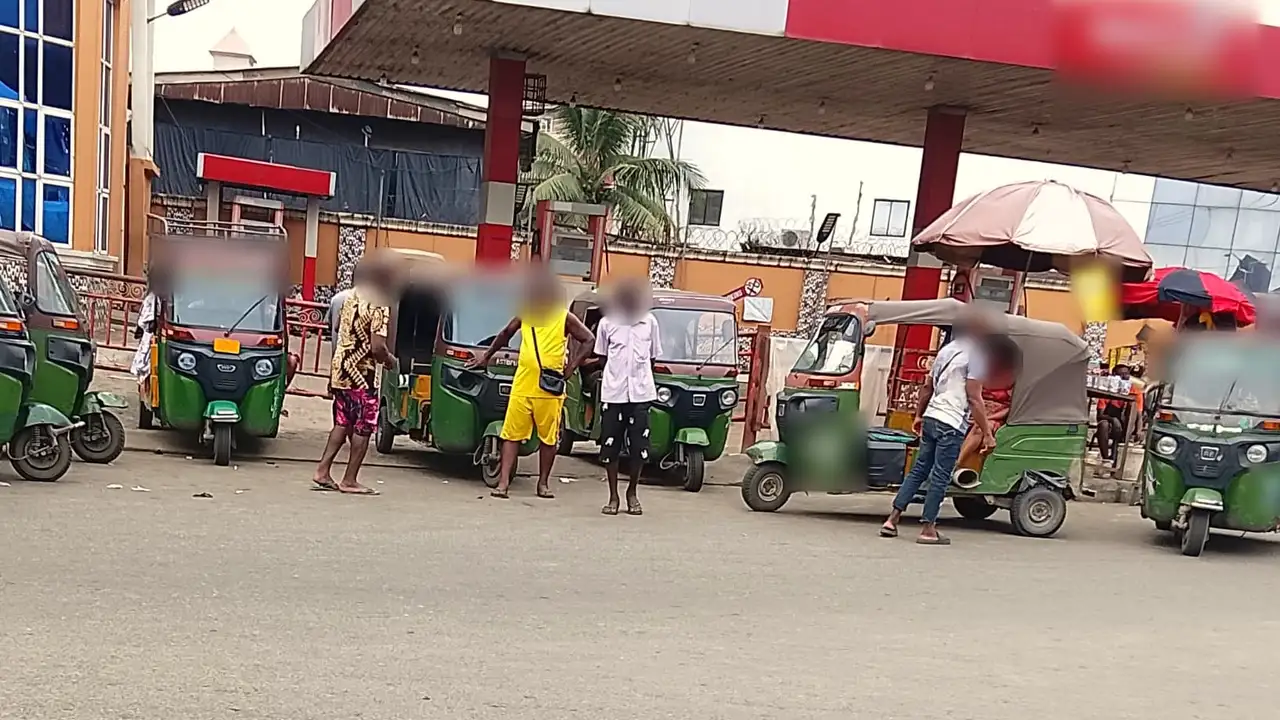
A line of green kekes parked at a fuel station in Aba while drivers wait and talk.

Drive with us

Own a keke or a car? Put it on Royal Ride.

Vehicle owners apply in the app or register in person with a Royal Ride team member. We review every application before a vehicle can take rides.

How it works for owners

You register the vehicle. You're responsible for who drives it.

On Royal Ride the vehicle owner applies and is reviewed. You may drive the vehicle yourself or let someone else drive it, but you remain responsible for whoever drives your vehicle on Royal Ride.

  • Every owner is reviewed and approved by Royal Ride before their vehicle can take rides
  • Riders see the fare before they book, so there's no arguing over price
  • Fares are paid from the rider's Royal Ride wallet
A vehicle owner's application in the Royal Ride app.

Requirements

What you need to apply

The same list the Royal Ride app uses. What's required depends on whether you're registering a keke or a car.

WhatKekeCar
Plate numberThe registration number on the vehicle.RequiredRequired
NIN (11 digits)Your National Identification Number. Required Required
Live photo of the ownerTaken live with the phone's front camera at the time you apply, not chosen from your gallery. Required Required
ID documentA clear photo of your NIN slip, driver's licence, voter's card or international passport. Required Required
Driver's licencePhoto of the licence, with its number and expiry date. Optional Required
Vehicle photoThe whole vehicle, with the plate number clearly visible. Required Required
Proof of ownership or permissionVehicle papers in your name, or written permission from the owner to use the vehicle. Required Required
Third-party insurancePhoto of the third-party insurance certificate, with its expiry date. Optional Required
Roadworthiness certificatePhoto of the certificate, with its expiry date. Optional Optional
GuarantorSomeone who knows you well and will vouch for you. Not your own number. Required Required
Next of kinWho we contact in an emergency. Not your own number. Required Required

Accepted ID documents

  • NIN slip
  • Driver's licence
  • Voter's card
  • International passport

Lost a document, or renewing one?

You can send a temporary substitute instead of the original, for our team to review:

  • Letter from the issuing body
  • Court affidavit
  • Police report
  • Other

Optional extras

Anything you add as optional must be complete: a licence photo needs its number and expiry date, for example. You can also add up to 5 extra supporting documents.

How to apply

Two ways to apply

In the Royal Ride app

  1. Sign up and verify your account.
  2. Choose to register a vehicle, and pick keke or car.
  3. Take your live photo, add your documents and your guarantor and next of kin.
  4. Submit. Our team reviews your application, and you can check its status in the app.

In person with a Royal Ride team member

If you'd rather not apply in the app, you can register in person with a Royal Ride team member. They check your identity and documents with you and take your live photo there and then.

There's no walk-in office. Contact us and we'll arrange a time.

Before you start: have your documents ready and make sure your guarantor and next of kin are happy to be named. Both need a phone number that isn't yours.

Ready to put your vehicle on Royal Ride?

Apply in the app, or leave your details and a Royal Ride team member will get in touch.

Get early access